Healthcare workflow automation: a practical guide
Updated
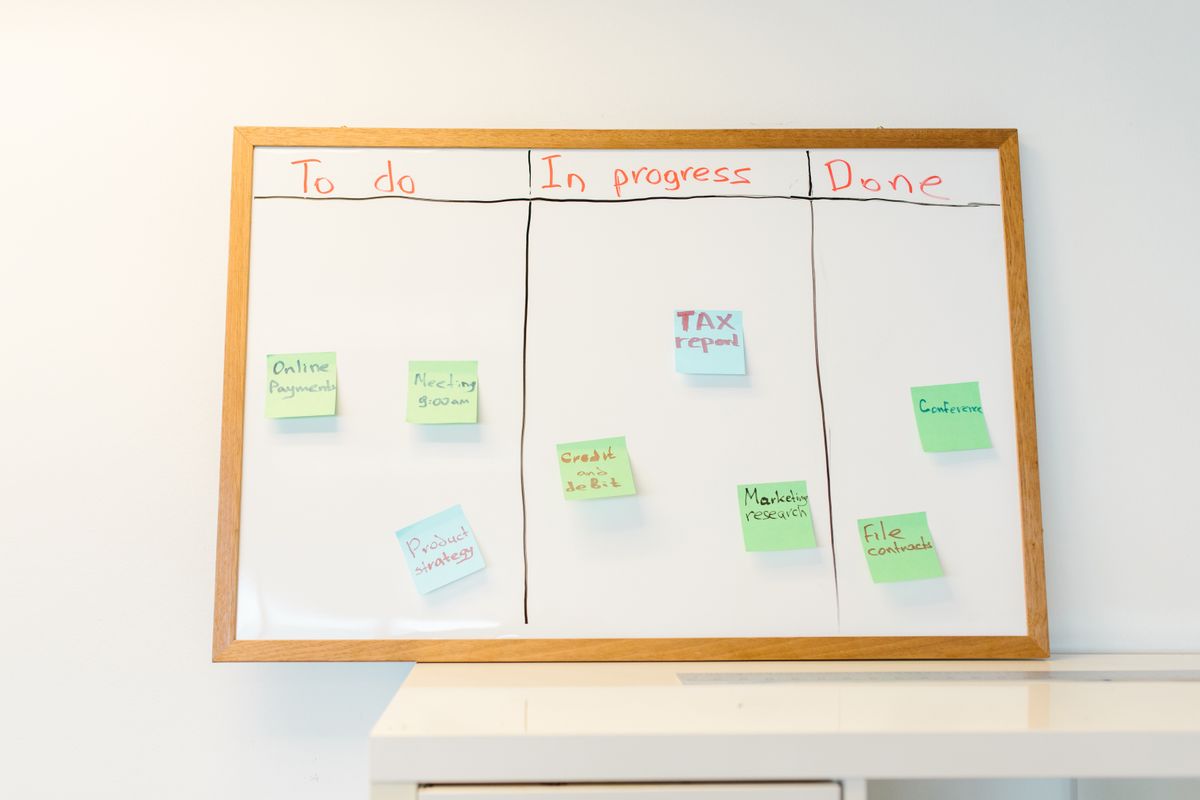
Examples of healthcare workflow automation
Most projects start with one of the workflows below. Each links to a page that describes what breaks today and what we build.
- Prior Authorization
Submission, status polling, and escalation loops that stop your staff from living inside payer portals.
- Insurance Eligibility Verification
Batch and real-time 270/271 checks with parsed benefits written straight back into the chart.
- Patient Intake
Paper, PDF, and fax turned into structured chart data, without a staff member retyping it.
- Referral Management
Inbound referrals classified, matched to a patient, and routed to the right clinic without a triage queue.
- Claim Denial
Denials classified by root cause, routed by recoverability, and packaged for appeal automatically.
- HIPAA-Compliant Patient Communication
Reminders, recalls, and outreach that respect consent, minimum necessary, and the audit trail.
- Revenue Cycle Reporting
AR, denial, and payer performance reporting assembled from source systems instead of spreadsheets.
- Clinical Documentation
Charting burden reduced through structured capture and coding support, with human review always required.
What an EHR workflow is
An EHR workflow is the sequence of steps a task follows through the EHR and the systems around it. A new patient moves from scheduling to registration, then insurance verification, then the visit, then documentation, then billing. At each handoff someone reads data in one screen and types it into another. Those handoffs are where automation pays.
Which workflows to automate first
Score each candidate workflow against four questions. The ones that pass all four go first. For billing and collections, our revenue cycle automation guide orders the work by stage.
High volume
A task done fifty times a day repays automation. A task done twice a week rarely does.
Clear rules
If two experienced staff members would make the same call, software can too.
Digital inputs
Structured EHR data and clean documents automate well. Handwriting and phone calls do not.
A known cost
Measure staff minutes per case before you build. That number becomes the return on the project.
If you cannot answer the fourth question, the clinical workflow assessment measures it for you at a fixed $24,997.
How automation connects to your EHR
Most integrations use one of five channels. Pick the most stable one your environment supports. The last channel, browser automation, is what people usually mean by healthcare RPA. Read our healthcare RPA guide for where it fits.
FHIR APIs
A standard, well-documented interface for reading and (where the vendor allows it) writing clinical and administrative data. Use it first.
HL7 v2 interfaces
The older message standard behind ADT, orders, results, and scheduling feeds. Hospitals typically run an interface engine for it.
Vendor APIs and X12 transactions
Practice management APIs, clearinghouse connections, and X12 files for eligibility (270/271), authorization (278), claims (837), and remittance (835).
Database-level integration
Read access to a reporting database, common with on-premise practice management systems. It needs tight access controls and logging.
Supervised browser automation
The last resort for portals with no API. It breaks when the portal changes, so it needs monitoring and an escalation path.
What your instance supports depends on the vendor, the version, and how it is hosted. See our notes on Epic, Oracle Health (Cerner), athenahealth, and eClinicalWorks.
Keeping automation HIPAA compliant
Any vendor that touches protected health information for you is a business associate. It needs a signed BAA before it sees a record. Our post on what a BAA must contain lists the ten elements HHS requires. Beyond the agreement, four design choices decide whether the system holds up in an audit.
Keep PHI inside infrastructure you control where you can. Send each step only the minimum necessary data. Log every access with who, what, and when. Encrypt data in transit and at rest.
Behavioral health adds a second layer. 42 CFR Part 2 limits when substance use disorder records can be shared, and a patient consent covers only the purposes it names. Our compliance page lists the controls we apply on every engagement.
Build, buy, or hire a partner
Buy a product when your workflow matches what the product does. Build in house when you have engineers who will own the system for years. Hire a partner when the work needs integration skill you lack. Our published ranges are $60,000 - $300,000 per build and $10,000+ / month for managed operation. The pricing page lists what each engagement includes.
Five questions to ask any healthcare automation vendor
- Will you sign a business associate agreement before discovery starts?
- Can you show a working integration with my EHR and my version?
- What happens when a payer portal or interface changes overnight?
- Who owns the code and the documentation at the end?
- What do you refuse to build?
Common Questions
What is healthcare workflow automation?
Healthcare workflow automation uses software to move data and tasks between people and systems without manual re-entry. It covers front-desk work such as intake and eligibility checks, revenue cycle work such as prior authorization and denials, and operations work such as referral routing.
Is healthcare RPA the same thing?
RPA is one technique inside workflow automation. It drives a user interface the way a person would, which makes it useful when a payer portal or legacy system offers no API. Interfaces such as FHIR and HL7 are more stable, so we use RPA only where nothing better exists.
Does automation replace administrative staff?
It removes the transcription, status-checking, and re-keying from their day. The judgment calls stay with people, and a well-built system escalates to a named person when it cannot decide.
How long does an automation project take?
A 3 to 5 weeks assessment maps the workflow and produces a roadmap. A build for one workflow takes 6 to 20 weeks. Integration approval on the EHR side often sets the real timeline.
Talk to an engineer
Tell us which workflow costs you the most staff time. We will say whether automation fits.
Start with a conversation, not a proposal.
A 45-minute call with a senior engineer. We will tell you honestly whether automation is the right answer for the workflow you have in mind.